Installation Guide
Follow this detailed, step-by-step guide to properly configure your system, install prerequisites, and safely inject Stuxnet Ultimate.
Pre-injections
Disable Windows Anti-Virus
- Select Start and type Windows Security.
- Select the Windows Security app from the search results.
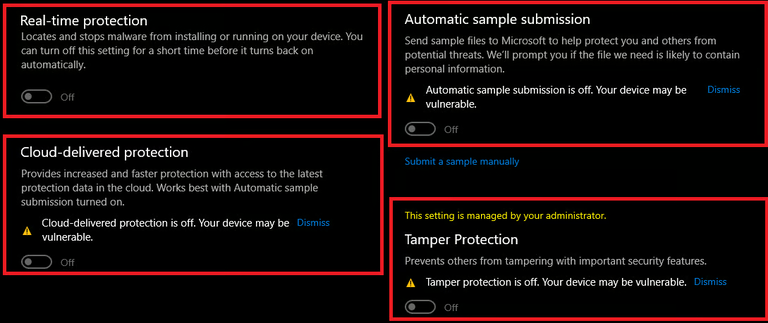
- Go to Virus & threat protection, and under Virus & threat protection settings select Manage settings.
- Now disable everything as shown below.
Disable Windows Defender with dControl
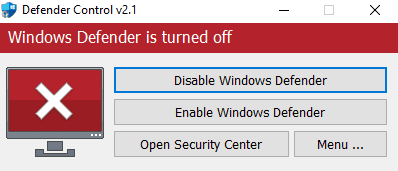
- Unzip the downloaded files (password:
sordum). - Run dControl.exe.
- Click Disable Windows Defender.
Install Visual Run Times and DirectX
- Run both installers and complete the installation.
- Note: Make sure to uncheck the "Bing bar" option when installing DirectX.
Disable Core Isolation
- Click your windows key and type Core Isolation.
- Open it, and disable everything.
Disable Vulnerable Driver Blocklist
- Click your windows key and search CMD. Open it as Administrator.
- Copy & paste the command below into CMD, press enter.
- Restart your PC.
reg add "HKLM\SYSTEM\CurrentControlSet\Control\CI\Config" /v VulnerableDriverBlocklistEnable /t REG_DWORD /d 0 /fMain Step: Injection
Downloading Loader & Overlay
Injecting Fortnite Ultimate
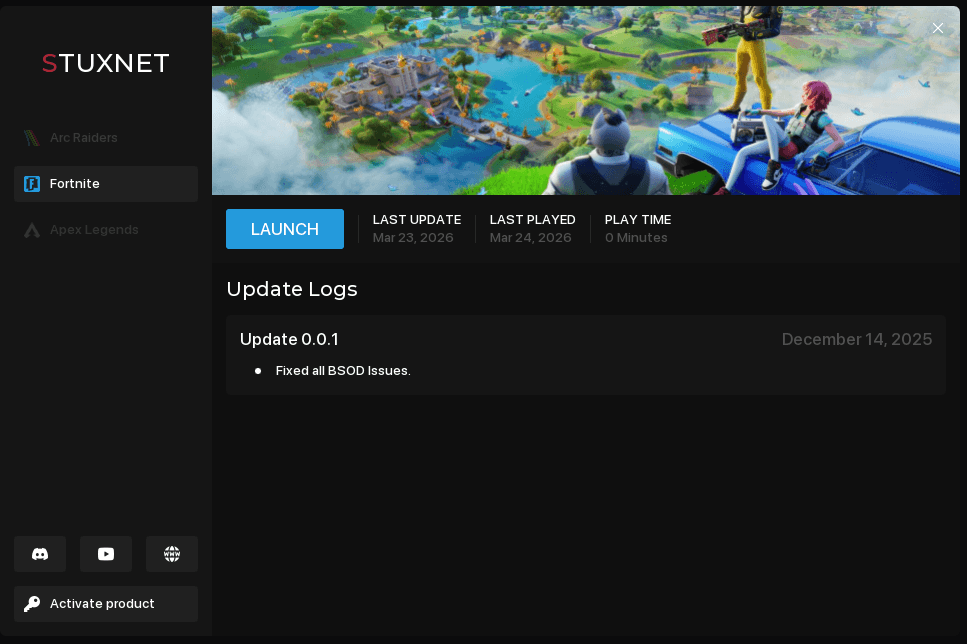
Open the loader and wait for it to initialize. Ensure Fortnite is closed when opening loader.
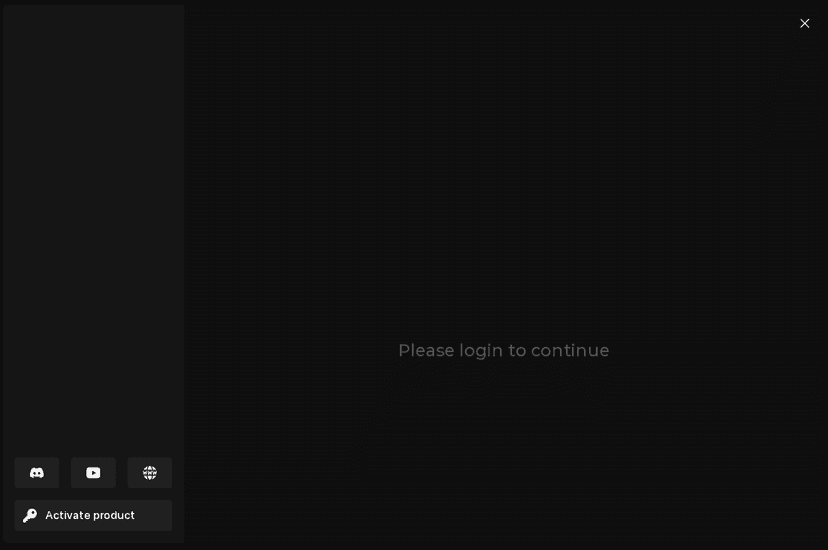
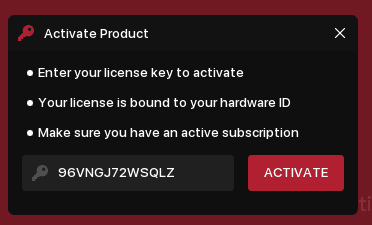
Once loader initializes, Click Activate Product (at the bottom left) then enter your key.
(Your key will look something like this XXXXXXXXXXXXXX)
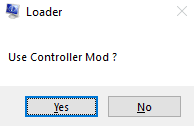
System Information will then open along with a pop up asking you if you want to use controller.
- Yes: If you play controller
- No: If you play keyboard
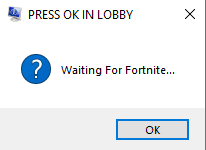
Once you have done all of the previous steps, it will give you this popup.
Do NOT Press anything on this just yet!
Final steps
- Before you open fortnite, spoof with your temp spoofer
(if using temp spoofer, if you dont have a temp spoofer skip this step.) - Open Action! overlay that we downloaded earlier as administrator.
- Now that you have Action open, open fortnite. When in the lobby press OK on the popup! You will now be injected.
Post-Injection
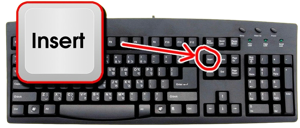
Menu key
To open / close the menu press the INSERT key found here:
Now that you are injected
- Join the Discord Server
- Get the buyer role in the channel
- Leave a review in #stars channel for +6 hours to your key! 🔑
Errors & Troubleshooting
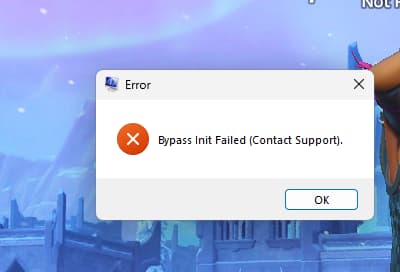
Bypass Init Failed
If you get the Bypass Init Failed error even after meticulously following all previous instructions, please follow these steps:
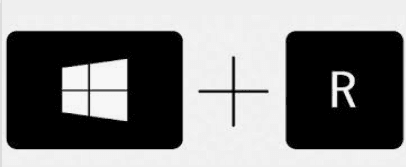
- Press Windows + R on your keyboard, type
winver, and hit Enter. - Take a full screenshot of the window that appears showing your Windows version.
- Open a ticket on our Discord server and send the screenshot of your
winver.
Blue Screen (BSOD)
If you experience a Blue Screen of Death (BSOD), we need to analyze your crash dump files to find the cause.
- Open a ticket on the Discord and concisely describe the problem (i.e. what you were doing exactly when the crash occurred).
- Navigate to your minidump folder located at:
C:\Windows\Minidump - Find the latest .dmp file corresponding to the time of your crash.
- Send that dump file in your ticket so our team can investigate it.